Copywriting Warriors
Video SEO: How to Make Business Videos Discoverable
Video can support SEO when it answers a searcher’s question in a useful format and sits on a page that explains the topic clearly. Publishing a video alone does not guarantee Google visibility or higher rankings. To make video discoverable, choose a specific audience need, publish it where viewers can access it, provide supporting page context, and measure search and business outcomes separately.
This guide covers two common routes: hosting an informative video on your own website and publishing to YouTube. The right choice depends on whether you want Google to surface a video watch page, reach viewers through YouTube, help visitors understand a service, or support all three.
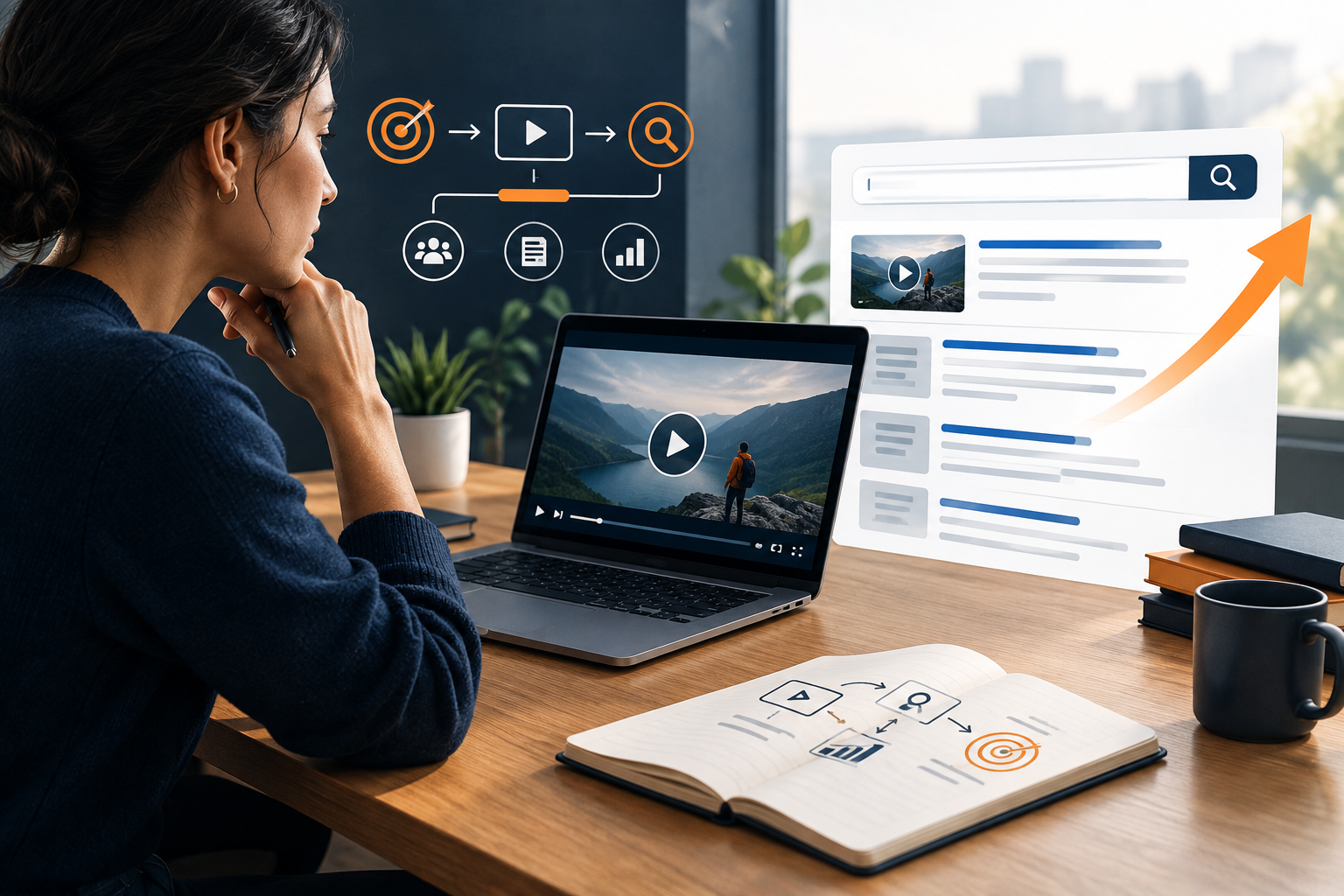
Should you host the video on your site or YouTube?
| Route | Useful when | What to plan |
|---|---|---|
| Website watch page | The video is central to the page and supports a product, service, tutorial, or original explanation | Make the page accessible, provide a stable thumbnail, explain the topic in text, and check video indexing requirements |
| YouTube | You want to reach people who search and browse on YouTube | Use an accurate title and thumbnail, a helpful description, and a video that delivers what the packaging promises |
| Both | The video should reach platform viewers and help visitors on a related site page | Embed it where relevant, add original page context, and measure each channel’s role separately |
How can you make a website video eligible for Google video results?
Google’s video SEO guidance says the watch page must be indexed, the video must be prominent and accessible on that page, and a stable, valid thumbnail is required. Indexing a page does not automatically mean its video will be indexed. Add accurate VideoObject structured data only when the visible page meets Google’s rules, and test it with the available structured-data tools.
Give the video a page that genuinely serves viewers. Explain the subject in original text, include useful steps or takeaways, and make clear why someone should watch. Do not create a thin page whose only purpose is to surround an embedded clip with keywords. Where the video is a minor add-on rather than the page’s main content, it may not fit Google’s video-sitemap guidance.
What improves a YouTube video’s discoverability?
Choose a clear subject and create an accurate title and thumbnail that represent the video. Put essential context in the description and deliver the promised information early. YouTube explains that titles, thumbnails, and descriptions are important metadata, while tags play a smaller role in discovery. Avoid misleading packaging or keyword lists that do not describe the actual video.
Use captions to improve accessibility and help viewers follow speech; provide a transcript or written summary when it adds practical value. A transcript is useful to people and can clarify page context, but it is not a promise of better rankings.
How should a business measure video SEO?
For a website watch page, monitor whether the page is indexed, whether Search Console reports video indexing issues, and whether relevant search visits lead to meaningful actions. For YouTube, review impressions, click-through rate, watch time, audience retention, and relevant channel actions. Compare similar videos and topics over enough time to gather useful data.
Do not combine platform views with site sessions or leads as if they were the same measure. Record the goal for each video before production: clarify a service, demonstrate a process, answer a buyer objection, or earn discovery for an informational topic. If the video supports a commercial page, align its message with the written website copy and the offer.
What video SEO mistakes should you avoid?
- Assuming an embedded video automatically creates a Google video result.
- Making video content that repeats the page without adding a useful explanation or demonstration.
- Using a thumbnail, title, or description that overpromises what the video contains.
- Adding VideoObject markup with missing, inaccurate, or invisible information.
- Judging success only by views when the goal is qualified site visits or enquiries.
- Changing pages or video URLs without checking redirects and indexability.
Start with one video that can answer an important customer question better than text alone. Decide the platform, page purpose, production owner, accessibility needs, and measurement before publishing. Google’s VideoObject documentation and YouTube’s title and thumbnail guidance provide platform-specific implementation details.
Mini FAQ
Does video improve SEO by itself?
No. A video can help people discover or understand a topic, but publication alone does not guarantee rankings. Page quality, accessibility, indexing, relevance, and the viewer’s need still matter.
Should I embed YouTube videos on my website?
Embed a video when it helps the page and the page adds useful context. Keep the page valuable on its own, and consider loading performance and the visitor experience.
Do transcripts help video SEO?
Transcripts and captions can improve accessibility and make spoken information easier to review. They support usability but do not guarantee search visibility.
Does every video page need VideoObject schema?
Use VideoObject markup when the page and video meet the structured-data requirements and the information is accurate and visible. Markup does not guarantee a video result.
Should a business focus on YouTube or Google video results?
Choose based on where the audience searches and what the video should accomplish. YouTube discovery and a Google-indexed website watch page have different requirements, so plan and measure them distinctly.